
- 0
- 1,391 word
In the contemporary landscape of consumer electronics, a paradoxical design philosophy has taken hold: as devices become more capable, their physical interfaces become increasingly sparse. This trend toward "cosmetic minimalism" is perhaps nowhere more evident than in the evolution of the television remote. The era of the "universal remote" cluttered with fifty rubberized buttons—ranging from numeric pads to obscure VCR controls—has been replaced by sleek, palm-sized wands featuring little more than a directional pad and a handful of icons.
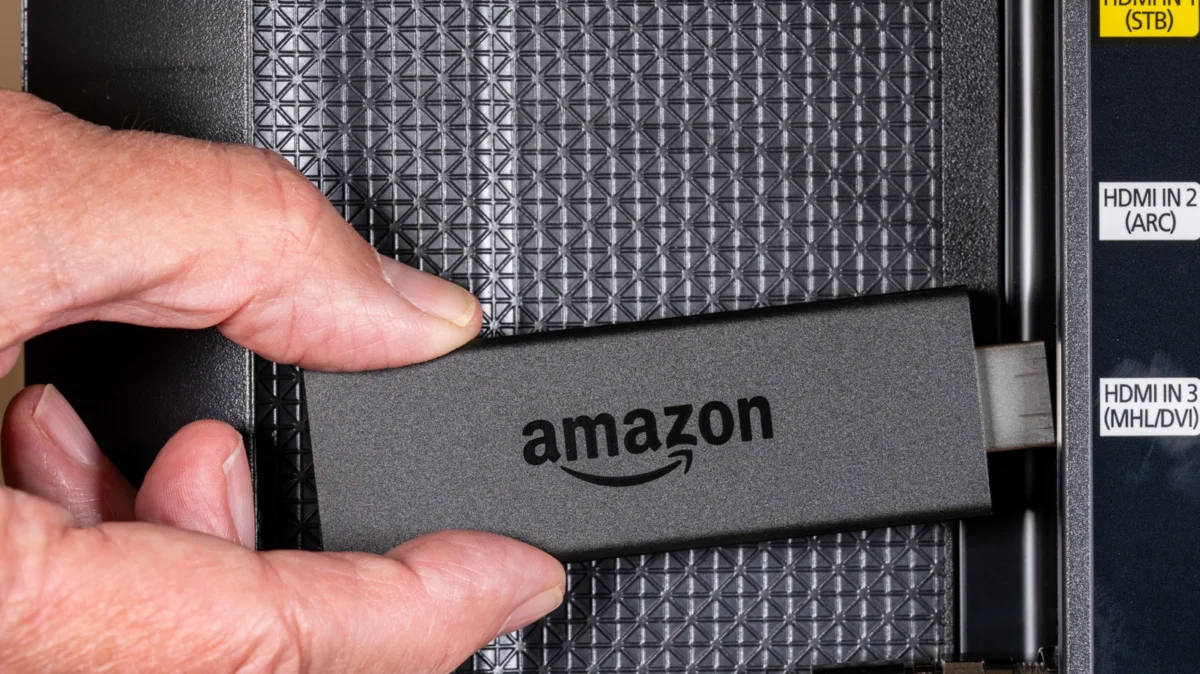
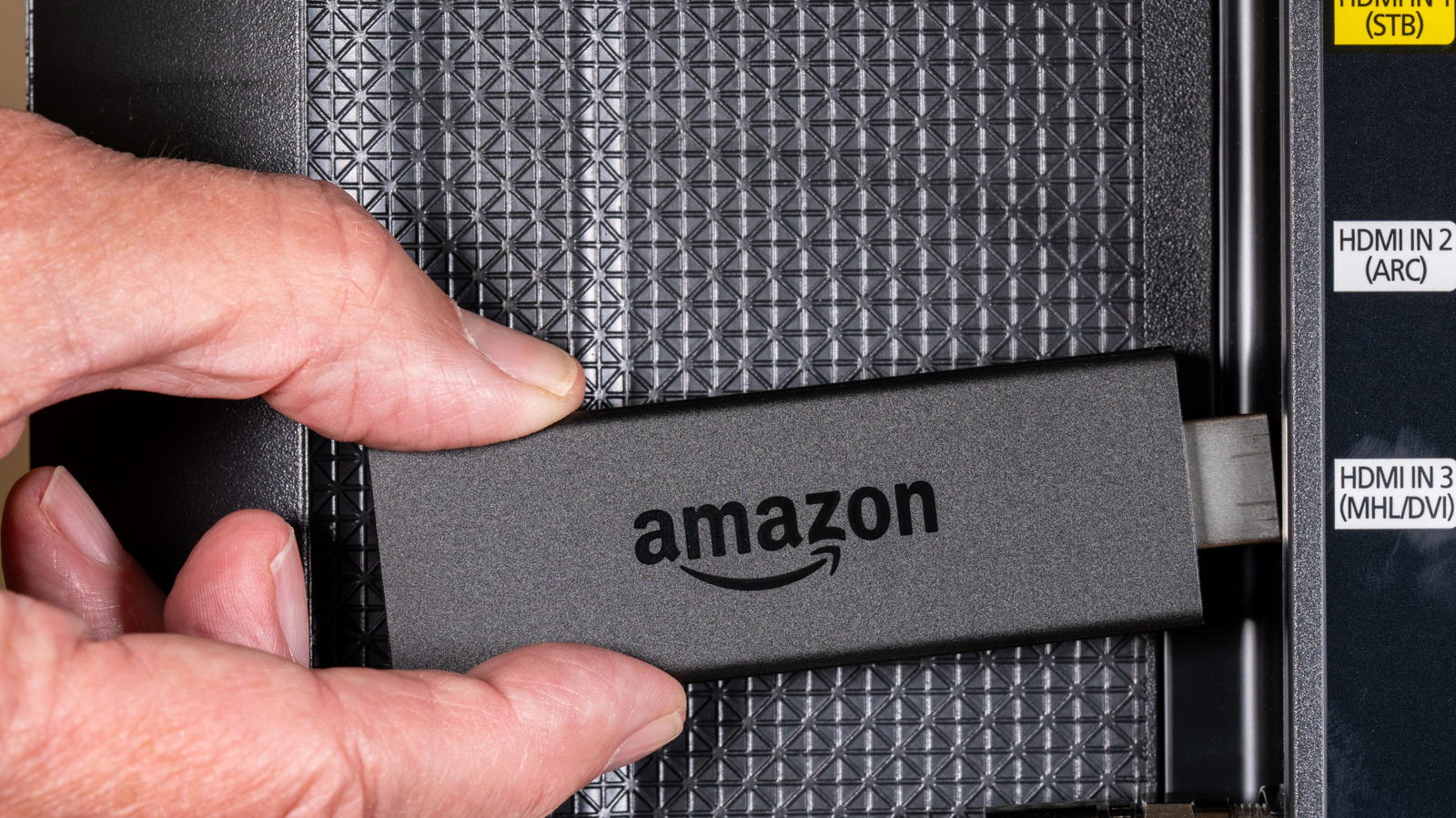
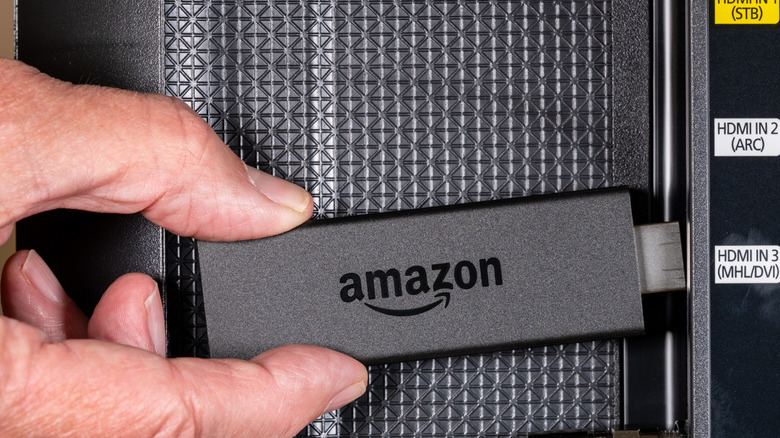
Among the leaders of this minimalist revolution is Amazon’s Fire TV ecosystem. While the Fire TV Stick has solidified its position as one of the most popular streaming devices globally, its simplified remote hides a surprising amount of depth. Beneath the surface of its unassuming "Home" button lies a sophisticated "Quick Settings" interface that many users never discover. This hidden layer of functionality represents a broader industry shift where complex navigation is tucked away behind "long-press" gestures and button combinations, rewarding the curious user with a more streamlined experience.
The Core Discovery: The Power of the Long-Press
The primary "secret" of the Amazon Fire TV remote is the contextual Quick Settings menu. While a single tap of the Home button (represented by the house icon) performs the expected action of returning the user to the main dashboard, a sustained press—typically holding for three to five seconds—triggers a sophisticated overlay.
This Quick Settings menu is designed to act as a "heads-up display" (HUD) for the streaming experience. When activated, it appears as a translucent sidebar or centered overlay, immediately pausing any active media. This ensures that the user does not miss a moment of their content while adjusting system-level parameters. The menu provides instantaneous access to several critical functions:
- User Profiles: In multi-person households, switching between personalized recommendations and watchlists is a frequent necessity. The Quick Settings menu allows for seamless transitions between profiles without navigating back to the primary splash screen.
- The Apps Library: Rather than scrolling through the horizontal "Recent" row on the home screen, the Quick Settings shortcut provides a grid view of every installed application, significantly reducing the time spent hunting for niche streaming services.
- Sleep Timer: A feature often buried deep within the settings of the television set itself, Amazon has integrated a software-level sleep timer into the Fire TV OS, accessible directly via this shortcut.
- Display Mirroring: For users looking to cast their smartphone or tablet screens to the television, the Quick Settings menu serves as the primary toggle for discovery mode.
- Full Settings Access: While it provides "quick" toggles, the menu also serves as a portal to the comprehensive settings deep-dive, including network configurations and Bluetooth device management.
Chronology: From Button Bloat to Gesture-Based Navigation
To understand why Amazon "hides" these features, one must look at the historical trajectory of home theater interfaces.
- The Analog Era (1980s–2000s): Remotes were designed on the principle of "one button, one function." As televisions added features like Picture-in-Picture or Sleep Timers, remotes grew in size to accommodate dedicated physical buttons for each.
- The Smart TV Inflection Point (2010s): With the rise of Netflix and the original Roku players, manufacturers realized that the average user spent 90% of their time using only five buttons: Power, Volume, and the Navigation Pad. The "clutter" of the old remote became a barrier to entry for non-technical users.
- The Amazon Fire TV Launch (2014): When Amazon entered the market, they prioritized voice search (Alexa) and a simplified remote. However, as the Fire TV OS grew more complex, engineers faced a challenge: how to add power-user features without ruining the simplicity of the hardware.
- The Modern Gesture Era (Present): Today, Amazon, Apple, and Roku have all adopted a "layered" UI approach. Physical buttons now have multiple states: the single-tap, the double-tap, and the long-press. This allows a remote with only ten buttons to perform thirty or more distinct commands.
Supporting Data: The Efficiency of Shortcuts
The utility of these hidden shortcuts is backed by user experience (UX) data. In a typical streaming session, a user might decide to check their network connection or set a sleep timer. Navigating through the standard UI usually requires an average of seven to ten clicks: Home > Scroll to Gear Icon > Select System > Select Sleep Timer > Confirm.
By contrast, the Home-button long-press reduces this friction to a single gesture followed by two clicks. This "shortcut efficiency" is a major factor in user retention for streaming platforms. Furthermore, Amazon has integrated other "hidden" combinations for specific technical needs. For instance, pressing the "Up" and "Rewind" buttons simultaneously for several seconds allows users to manually cycle through display resolutions. This is a critical "pro-sumer" tool for troubleshooting "handshake" issues between the Fire Stick and older 4K televisions that may struggle with automatic HDR detection.
The Competitive Landscape: Roku and Apple TV
Amazon is not alone in this strategy of "hidden" interfaces. The industry at large has moved toward a "developer-lite" model for its remote shortcuts.
- Roku: Known for its "Secret Menus," Roku devices allow users to access hidden Wi-Fi signal strength meters and bit-rate override settings through specific sequences (e.g., Home five times, Up, Rewind twice, Fast Forward twice). These are not documented in the user manual but are widely circulated in enthusiast communities.
- Apple TV: The Siri Remote is perhaps the most minimalist of all. Apple utilizes a double-click of the "TV/Control Center" button to bring up an App Switcher, similar to the interface on an iPhone. A long-press of the same button opens a side-panel for user switching and HomeKit camera feeds.
The prevalence of these features across all major platforms suggests that "hidden" UI is not an oversight, but a deliberate design choice to maintain a clean aesthetic while satisfying the needs of power users.
Official Philosophy: Discoverability vs. Aesthetics
While Amazon does not frequently issue press releases regarding individual button shortcuts, their design documentation for Fire TV developers emphasizes "discoverability." The challenge for Amazon’s hardware team is balancing a device that "just works" for a casual viewer with a device that provides granular control for the cinephile.
The official stance, reflected in Amazon’s help documentation, encourages the use of Alexa for these tasks. Amazon’s preference is for a user to say, "Alexa, set a sleep timer for 30 minutes," rather than navigating a menu. However, acknowledging that voice commands are not always appropriate—such as late-night viewing when a partner is sleeping—the physical shortcuts serve as a necessary, if quiet, backup system.
Implications for the Future of Hardware
The reliance on "hidden" features has significant implications for the third-party hardware market. For years, the universal remote market—once dominated by the Logitech Harmony line—has struggled to keep pace with these software-defined shortcuts.
When a user replaces their Alexa Voice Remote with a generic universal remote, they often lose the ability to perform a "long-press" or "combo-command" because the IR (Infrared) or Bluetooth signals sent by third-party devices are often coded as discrete, single-burst commands. This creates a "walled garden" effect where the original manufacturer’s remote becomes the only way to access the full suite of device features.
Furthermore, as we move toward the next generation of interfaces, we may see the "Home" button disappear entirely in favor of touch-sensitive surfaces or gesture-based cameras. In that future, the "hidden features" will not be under a button, but perhaps triggered by a specific hand wave or a gaze-tracking pause.
Conclusion: Mastering the Minimalist Remote
The Amazon Fire TV Stick remains a powerhouse of the streaming world, not just because of its price point or content library, but because of its thoughtful, if somewhat obscured, user interface. The Home-button shortcut is a reminder that in the age of minimalism, "less" is often "more"—provided you know where to look.
For the millions of Fire TV users, the long-press of the Home button is more than just a shortcut; it is a gateway to a more professional, customized viewing experience. As remotes continue to shrink and buttons continue to vanish, the mastery of these hidden commands will become the hallmark of the modern tech-savvy consumer. Whether you are switching profiles to hide your "guilty pleasure" viewing habits or manually forcing a 4K resolution for a blockbuster movie, the power is quite literally in the palm of your hand—hidden in plain sight.
Author

Related Posts

Beyond the Burpee: The High-Efficiency Kettlebell Ladder Workout for Total-Body Power
- 0
- 1,219 word
We often associate a "beastly" kettlebell workout with a specific set of high-intensity movements: the rhythmic snap of the swing, the technical...
Read out all
JBL Redefines Portable Power: An In-Depth Analysis of the Xtreme 5 Bluetooth Speaker
- 0
- 1,295 word
The landscape of portable audio has shifted dramatically over the last decade, moving from tinny, fragile boxes to sophisticated acoustic powerhouses capable...
Read out all
Apple Bolsters Safari Security: Comprehensive Patch for Safari 26.5 Addresses Critical WebKit and WebRTC Vulnerabilities
- 0
- 1,347 word
In an era where the web browser serves as the primary gateway to both personal and professional digital lives, the security of...
Samsung One UI 9 to Introduce Network-Level Focus Mode: A Deep Dive into ‘Network Management for Concentration’
- 0
- 1,249 word
In an era where the "attention economy" dominates the mobile landscape, smartphone manufacturers are increasingly tasked with providing tools that help users...
Read out all
The Evolution of Portable Power: Why Compact Fast-Charging is Defining the Spring Travel Season
- 0
- 1,290 word
The arrival of the spring travel season has historically triggered a surge in the consumer electronics market, specifically within the mobile accessory...
Read out all
Unveiling Prime Deals: A Comprehensive Look at Amazon’s Latest Savings and Limited-Time Offers
- 0
- 2,573 words
Amazon, the e-commerce titan, continues to roll out compelling deals across a wide spectrum of products, offering consumers significant savings on everything...
Read out all