
- 0
- 1,179 word
There is nothing more frustrating for an enthusiast than the "unboxing high"—that moment of anticipation when you plug in your new high-end receiver, pristine speakers, or state-of-the-art television—only to be met with a persistent, low-frequency hum, a high-pitched whine, or erratic visual banding.
Often, you might pack the gear up in frustration, convinced it is defective, only to have a store technician plug the unit into a clean, isolated circuit and watch it perform flawlessly. The issue is rarely the hardware itself; rather, it is the invisible, chaotic environment of your home’s electrical system. From ground loops to radio frequency interference, the path to a silent, immersive entertainment experience is paved with technical troubleshooting. This guide will walk you through the primary culprits behind unwanted A/V noise and, more importantly, how to permanently silence them.

Main Facts: The Anatomy of Electrical Interference
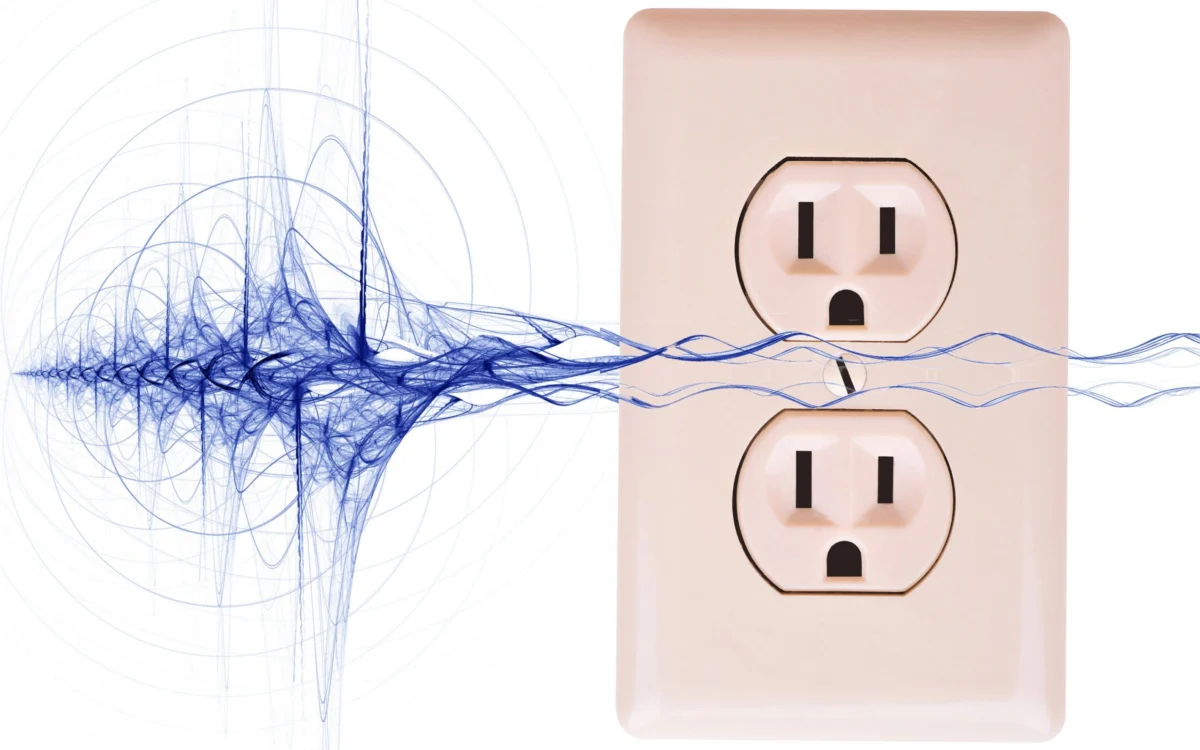
At its core, unwanted audio and video noise is an unintended byproduct of electromagnetic energy. Your home theater components are essentially high-precision electronics living in a house wired for convenience, not audio fidelity.
The most common culprit is the ground loop, a phenomenon that occurs when multiple pieces of interconnected equipment are powered by different AC outlets. Because these devices are tied together via signal cables (like HDMI or RCA) and simultaneously tied to the building’s earth ground via their power cords, they create a conductive loop. This loop acts as a giant antenna, picking up 60Hz hum—the sound of the AC power frequency itself—and injecting it directly into your audio signal or manifesting as scrolling waves on your display.

Other significant factors include AC line noise generated by household appliances (refrigerators, dimmers, vacuum cleaners), Radio Frequency Interference (RFI) from your Wi-Fi routers and computers, and poor cable management where power cords run parallel to sensitive signal wires, inducing noise through electromagnetic induction.
Chronology of Troubleshooting: A Systematic Approach
If you are hearing noise, don’t start by buying expensive power conditioners. Follow this logical sequence to isolate the variable:

- The "Single Source" Test: The first step is to eliminate ground loops by plugging every component in your entertainment system into a single power strip, which then connects to a single wall outlet. This creates a "star ground" configuration, often neutralizing the hum immediately.
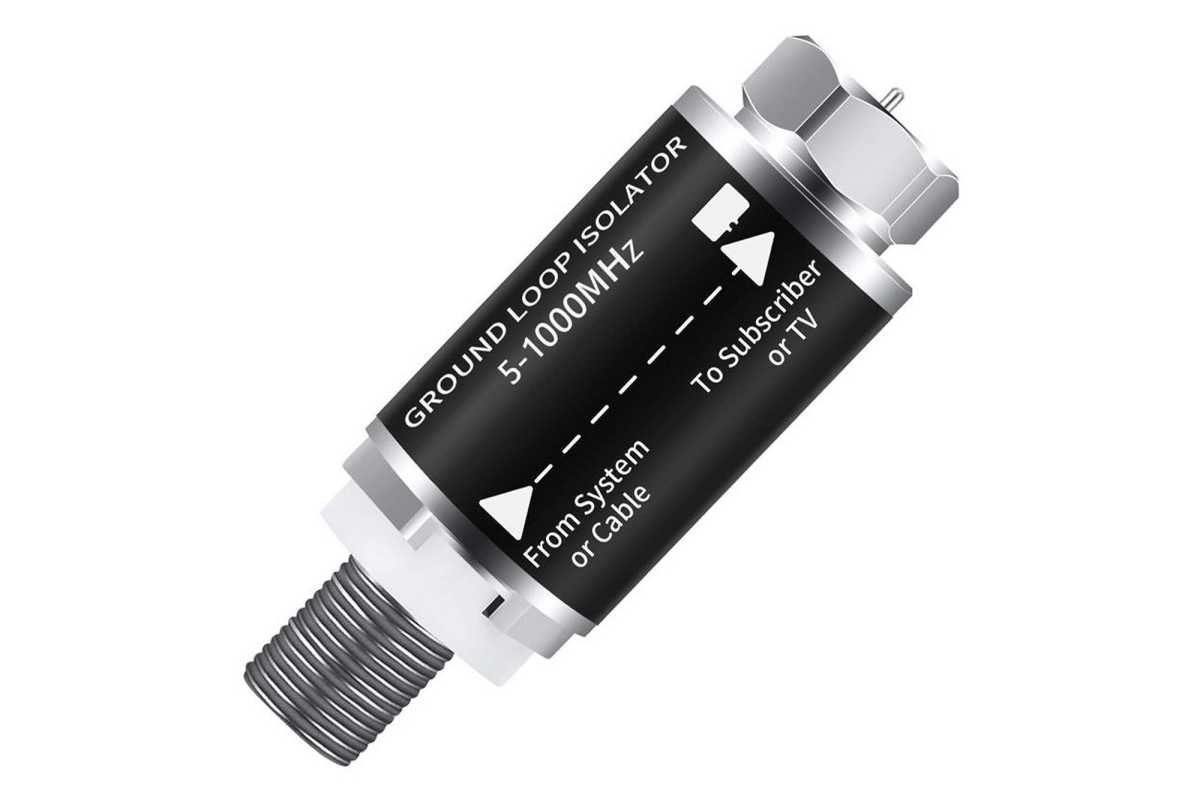
- The Disconnect Method: If the hum persists, systematically unplug your devices one by one—starting with devices connected to external antennas or cable TV coaxial lines. Coax lines are notorious for carrying their own ground potential, which often conflicts with your home’s electrical ground.
- Cable Inspection: Inspect your signal paths. Are your RCA or HDMI cables tangled with power cords? Are you using cheap, unshielded cables? Try swapping in high-quality, properly shielded cables to see if the interference floor drops.
- Device Isolation: If the noise only appears when a specific component is active (e.g., a gaming PC), the noise is likely originating from that device’s internal power supply. This is when you look into external DACs (Digital-to-Analog Converters) or USB noise filters.
Supporting Data: When Simple Fixes Fail
For most consumers, the "single outlet" rule solves 90% of issues. However, if you live in an older home with questionable wiring or a high density of RFI, you may need to invest in dedicated noise-mitigation hardware.
The Toolkit for a Silent System
- Ground Loop Isolators ($10–$20): These small devices break the electrical path in your signal lines (especially effective for coaxial cable lines) without affecting the audio or video signal.
- Hum Eliminators ($80+): Products like the EBTech Hum X work by safely filtering voltage in the ground line, effectively severing the ground loop without bypassing the essential safety ground connection.
- Line-Interactive UPS ($250+): A Uninterruptible Power Supply does more than provide battery backup; by constantly converting incoming AC to DC and back to AC, it essentially "re-generates" the power, stripping away dirty electrical noise.
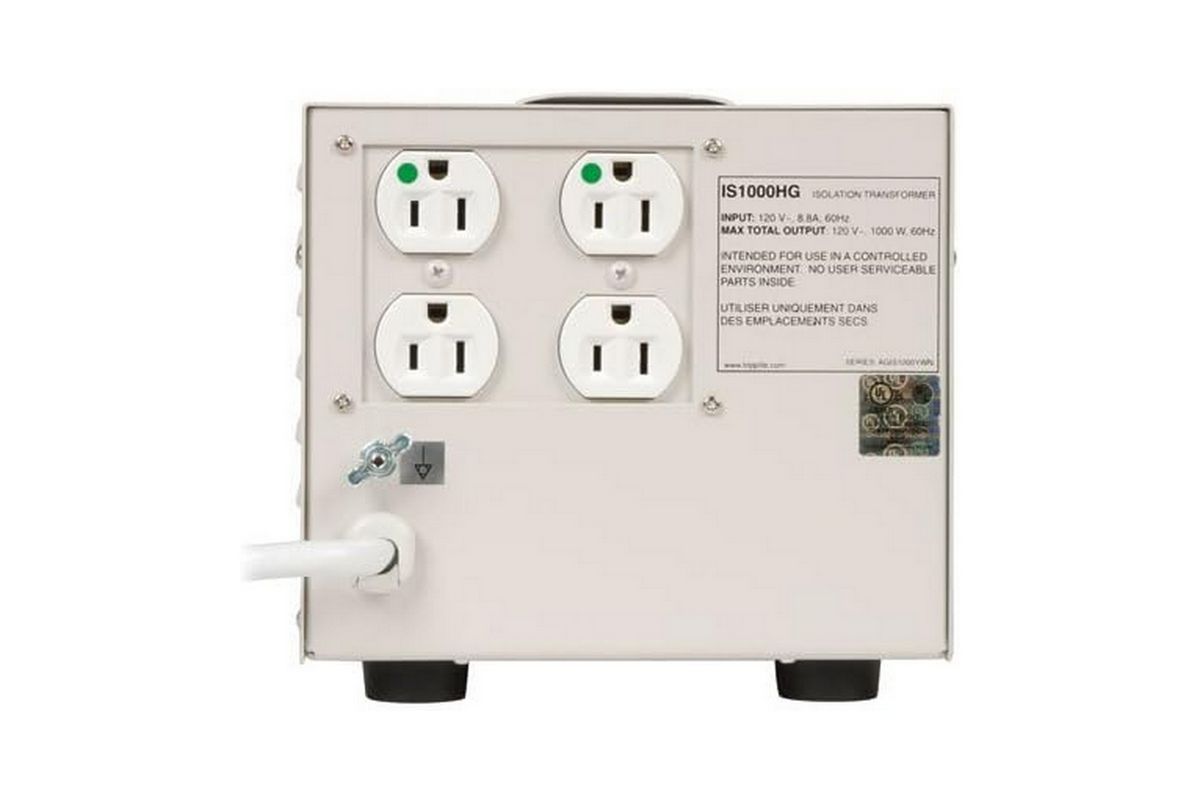
- Isolation Transformers ($250–$500+): These are the "big guns." Devices like the Tripp Lite IS1000HG utilize a physical magnetic barrier to pass power. Because there is no direct electrical connection between the wall and your device, ground loops are physically impossible. These are the gold standard for hospital diagnostic equipment and high-end audio suites.
Technical Implications: Why "Boutique" Gear Can Be Misleading
A major source of confusion in the audiophile community is the "boutique" power cable market. You will often see power cords priced in the hundreds of dollars, marketed with claims of improved conductivity and noise reduction.

It is vital to distinguish between marketing fluff and engineering reality. Gold-plated connectors are valuable because they resist oxidation, not because gold is a superior conductor to copper or silver. Similarly, while a very thick gauge of speaker wire helps with resistance over long runs, it does nothing to block the electromagnetic noise entering your system through a poorly shielded RCA cable.
The Golden Rule of Conductivity: Copper is an excellent conductor. Gold is an excellent protector against corrosion. Any cable that combines these two effectively—and is reasonably shielded—is sufficient. Do not overspend on "exotic" materials; invest that money instead into a high-quality, medical-grade isolation transformer or a pure sine-wave UPS.
The Role of Interference in Modern Computing
As we integrate more computing power into our living rooms, RFI becomes an increasingly difficult adversary. If you are using a PC as a media center, the internal sound card is living in a "noisy" environment, surrounded by high-speed data buses, spinning fans, and power-hungry GPUs.
Professional Recommendation: If you are experiencing faint static or "digital chatter" during audio playback, stop trying to fix the internal sound card. Move to an external USB or Thunderbolt audio interface. By moving the digital-to-analog conversion outside the computer chassis, you physically remove the audio signal from the RFI-rich environment of the motherboard.
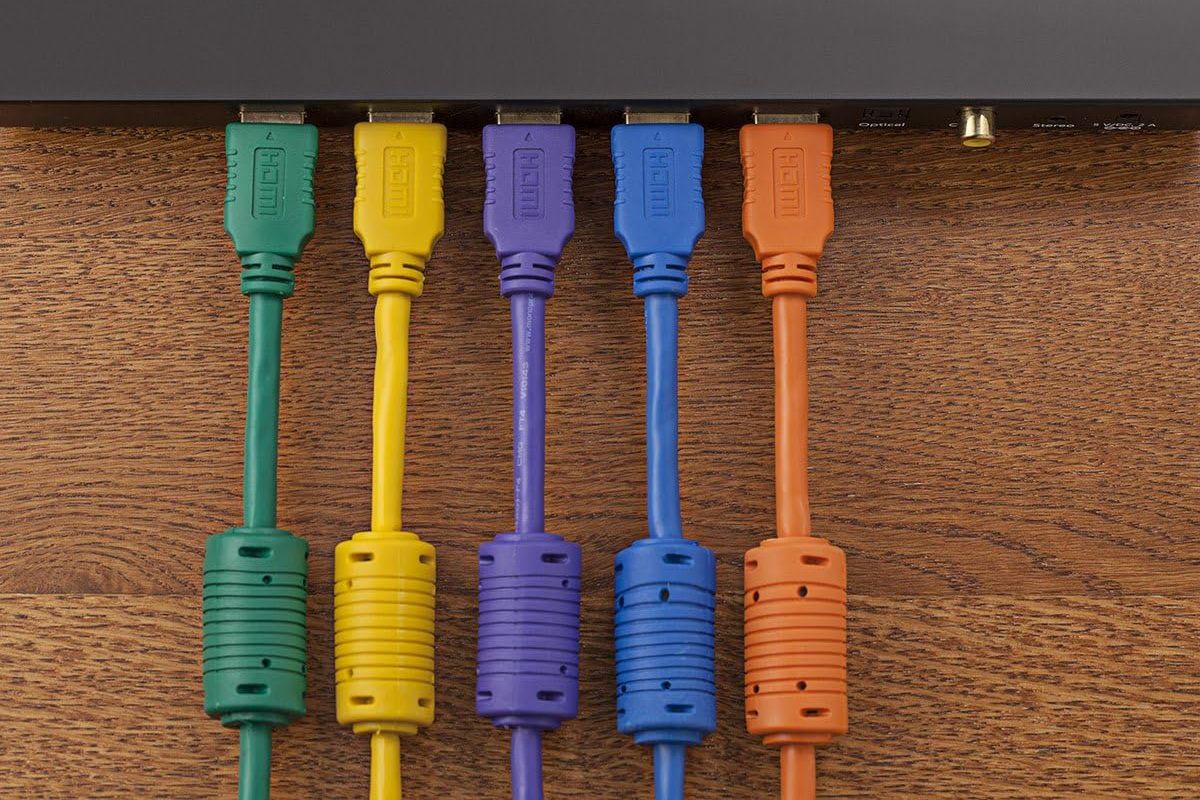
Furthermore, if you are using USB-based audio, keep an eye on "ferrite beads"—those small, cylindrical bulges on USB cables. These act as passive high-frequency filters. If your gear didn’t come with one, you can purchase clip-on ferrite chokes for a few dollars. They are a simple, scientifically sound way to dampen the high-frequency "leaks" that often plague USB audio interfaces.
Conclusion: Achieving the "Joyful Noise"
At the end of the day, electricity is a turbulent medium. Whether it is a ground loop caused by a cable TV connection, or RFI bleeding into your speakers from a nearby Wi-Fi router, these issues are almost always solvable with a systematic, evidence-based approach.
Start with the basics: clean up your cable management, consolidate your power sources, and test by elimination. Only when those fundamental steps are exhausted should you look toward specialized hardware like isolation transformers or power conditioners.
If you have conquered a particularly stubborn "ghost in the machine," we encourage you to share your findings. The goal is simple: to ensure that the only sound coming from your speakers is the music, the movie, or the game you intended to enjoy—and nothing else. For further technical support or to report a unique interference issue, please reach out via the official channels or our community feedback forum.
Author

Related Posts
Smart Living on a Budget: The Ultimate Guide to Affordable Amazon Alexa Devices in 2026
- 0
- 1,130 word
The landscape of domestic technology has undergone a seismic shift over the last decade. What was once considered a luxury for the...
Read out all
The PCIe 5.0 Dilemma: Why Next-Gen Storage is a Productivity Powerhouse, Not a Gaming Necessity
- 0
- 1,281 word
By Tanveer Singh Published May 13, 2026 The landscape of PC storage has undergone a seismic shift over the past few years....
Read out all
Meta Connect 2026: Preparing for a New Frontier in AI and Spatial Computing
- 0
- 1,186 word
The technology sector is bracing for a pivotal moment as Meta officially sets the stage for its marquee annual event. Meta has...
Read out all
The Evolution of the Drive-Thru: Why McDonald’s is Hitting the Reset Button on AI Order-Taking
- 0
- 1,133 word
In a significant pivot for the fast-food industry’s digital transformation, McDonald’s has announced the conclusion of its long-running test of Automated Order...
Read out all
An Era Ends: Reflecting on Eight Years of ‘The Internet of Things Podcast’
- 0
- 1,243 word
After an influential eight-year run that helped define the discourse surrounding the connected world, The Internet of Things Podcast has officially broadcast...
Read out all
Eufy Redefines Automated Home Care: Unveiling the Flagship Omni S2 Robot Vacuum and Mop
- 0
- 1,128 word
In an era where smart home automation is rapidly evolving from a luxury into a household necessity, Eufy has firmly positioned itself...
Read out all